How to share feedback with agencies?
Last updated: April 14, 2026
Provide feedback through candidate profile via the agency chat. Agencies receive automated updates or the information in your automation in Recruitee.
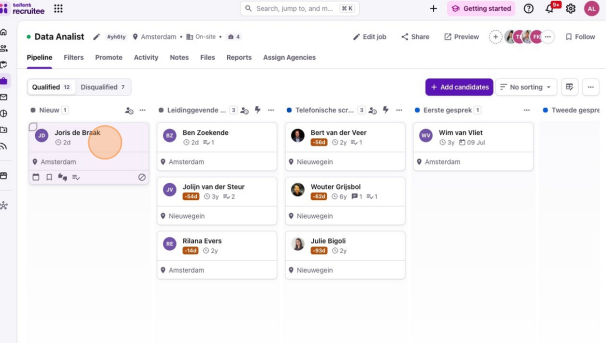
Open candidate profile
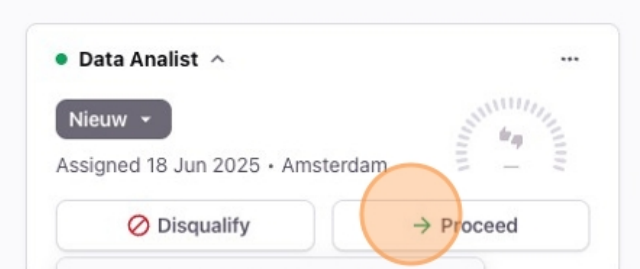
Choose action:
Reject
Proceed
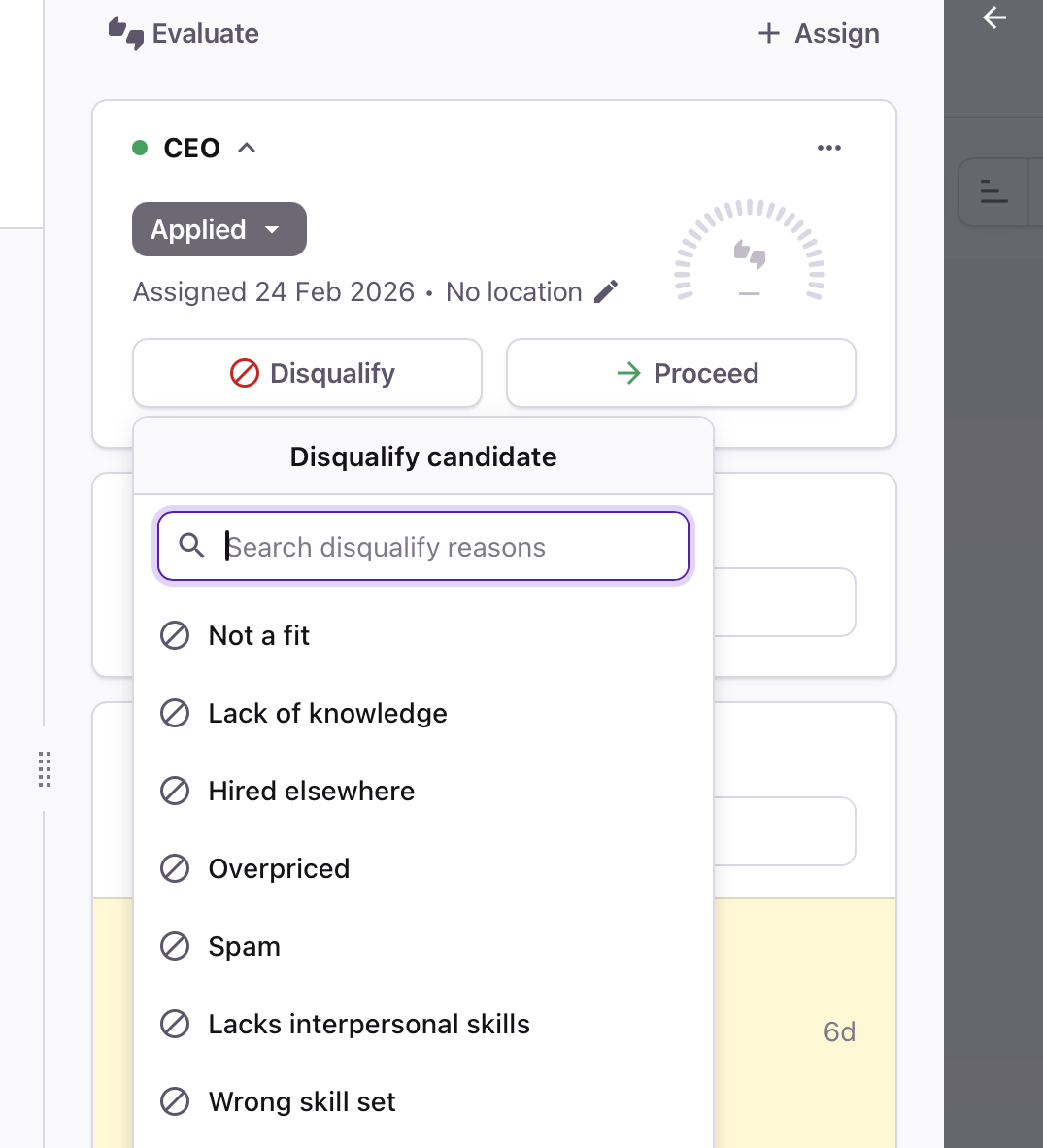
If rejecting, add feedback:
Chat for additional details
Need help?
Contact Recruitee support.