How to set job visibility for specific agencies
Last updated: March 13, 2026
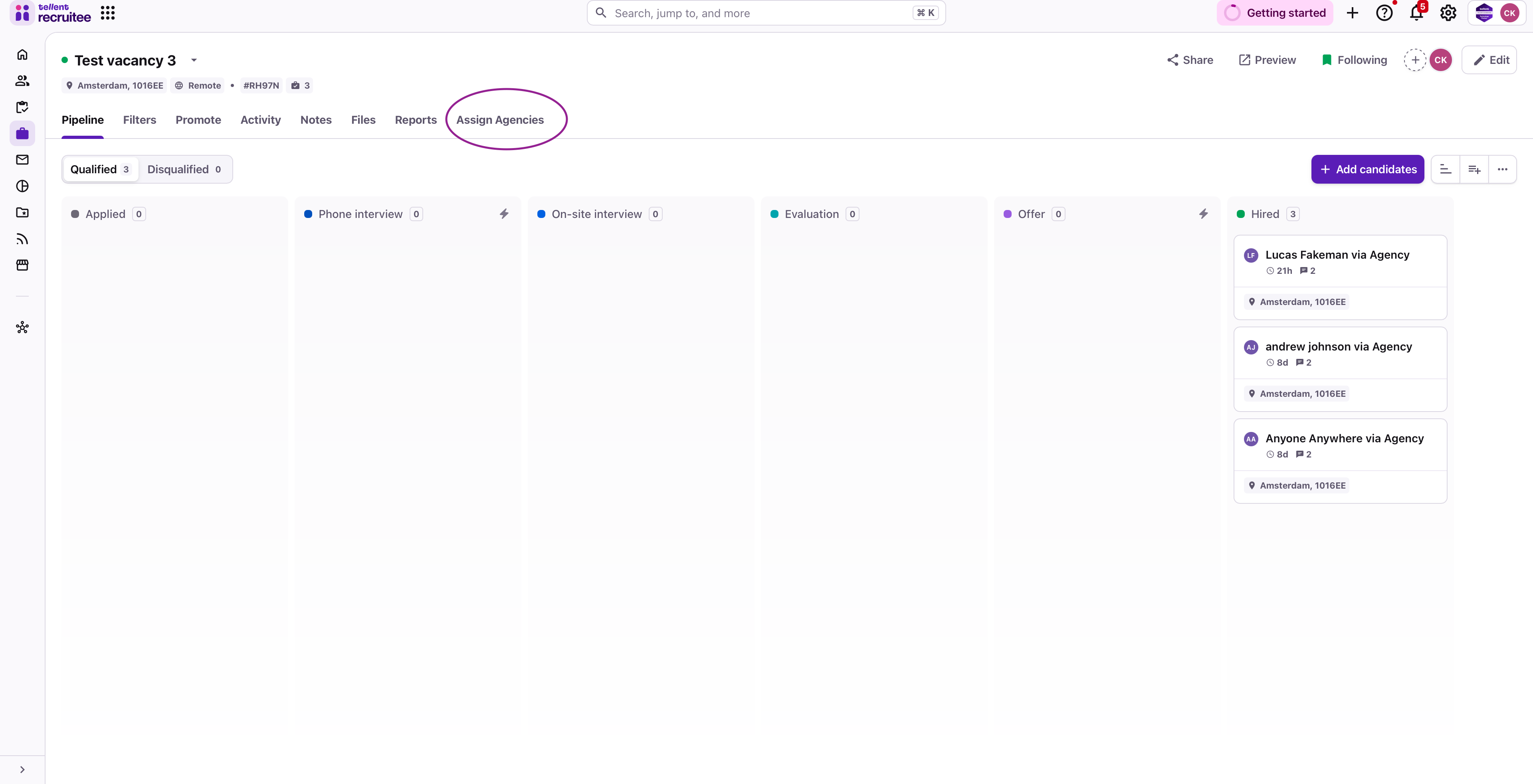
Open your job
Click Assign Agencies
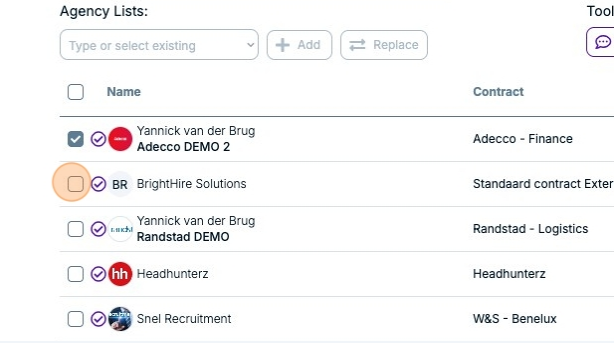
Select agencies by checkbox
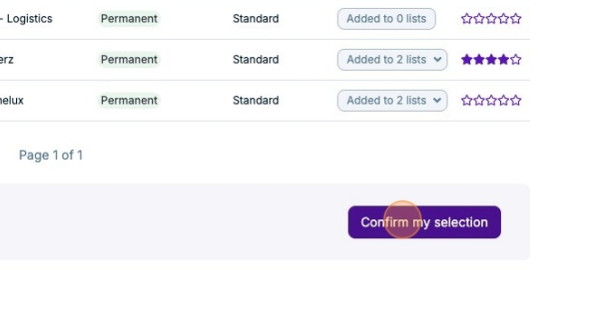
Click Confirm my selection
Review and edit
Click "View: Agency job" to preview how agencies see your posting
Use "Edit" to modify agency-visible information
Note: Changes only affect selected agencies, others won't see the job.
Need help?
Contact Recruitee support.