First-time enablement
Last updated: June 17, 2026
This guide walks you through the process of integrating the Agency Hub with your Recruitee account. The Agency Hub enables direct hiring through agencies from your Applicant Tracking System (ATS).
In this article:
Before you begin
Integration steps
One-time quick task for the main user
One-time quick task for all users
Troubleshooting
Next steps
Help & support
Before you begin
Make sure you have a list of teammates who need access
Collect the current terms and contracts with agencies in advance
Check the contact details of the agencies you work with
Integration Steps
1. One-time quick task for the main user
Add a new admin user to your Recruitee account with the name “AgencyHub”.
Please use a general email address for this. A personal email address will cause issues if this person leaves the company.
Perform the following steps once while logged in as the AgencyHub user.
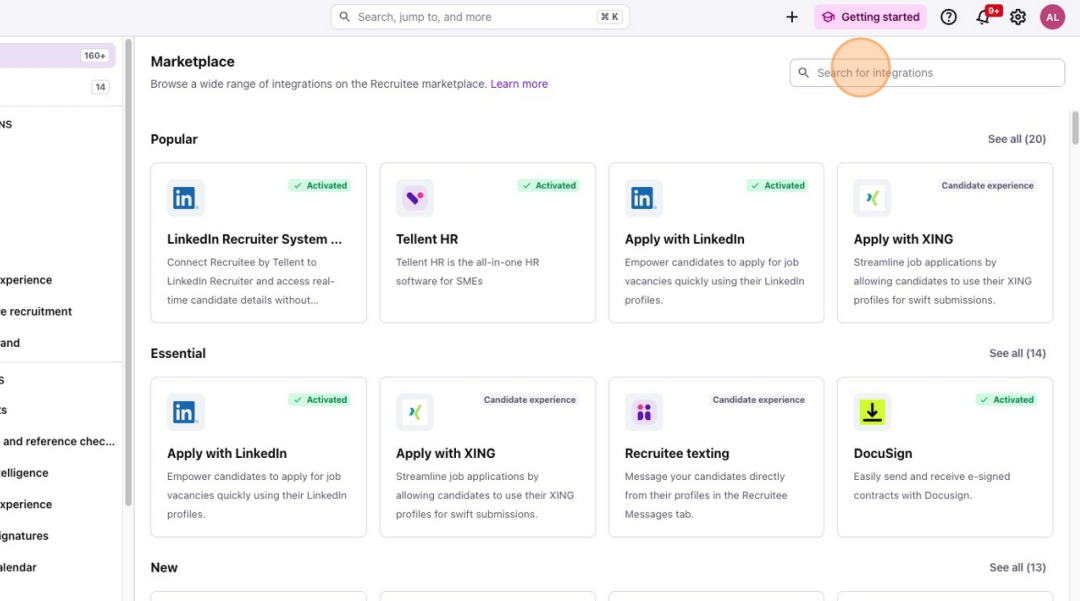
Activate AgencyHub in the Recruitee marketplace (marketplace in left side bar, search for the AgencyHub --> activate integration).
Follow the steps below (also shown in the pop-up):
Open a new tab in Recruitee and create an API token via the settings.
On the same page, you will also find the Company ID.
Then, go to Webhooks in the settings in the new Recruitee tab, enter an email verification (PIN), and then copy the Webhook Secret.
Paste this data into the introduction page of the AgencyHub.
These steps only need to be done once (by an administrator), and then it will be set up correctly for every user.
2. One-time quick task for all users
Navigate to the side icons and click Marketplace
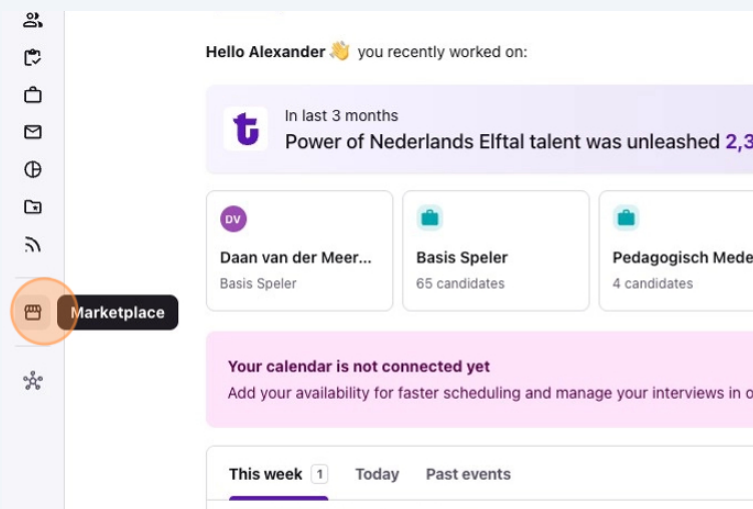
2. Search Recruitee AgencyHub
3. Click on the settings tab.
4. Click the "Connect" button on the integration card and wait for "Connected" confirmation. (All users need to click this connect button once to connect their account and retrieve access to the AgencyHub).


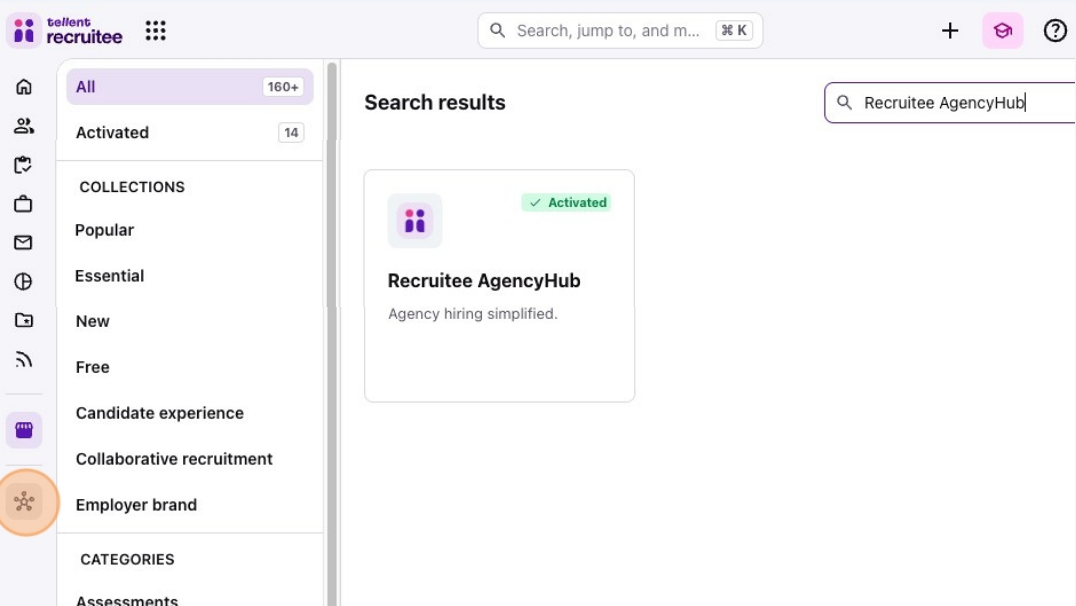
5. Agency Hub now appears in your sidebar
Troubleshooting
If you don't see the success message or encounter any issues during the integration process:
Ensure you have the necessary administrative permissions
Clear your browser cache and try again
Contact Recruitee technical support for assistance with account activation
Next Steps
After successful integration, you can install your preferences in the Agency Portal Settings.
Need help?
Contact Recruitee support.