How to change contracts?
Last updated: March 17, 2026
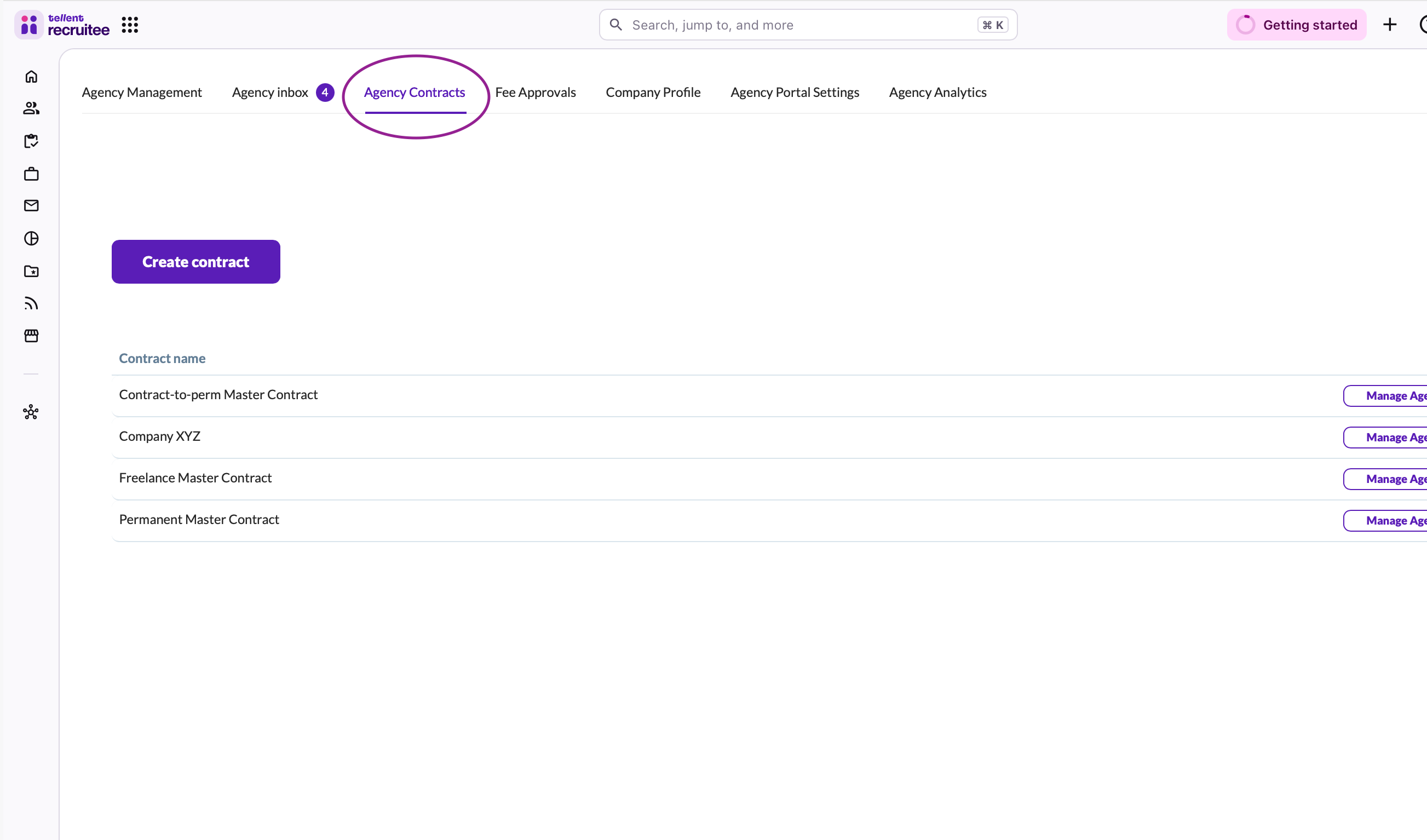
Navigate to the Agency Hub and click on Agency Contracts.
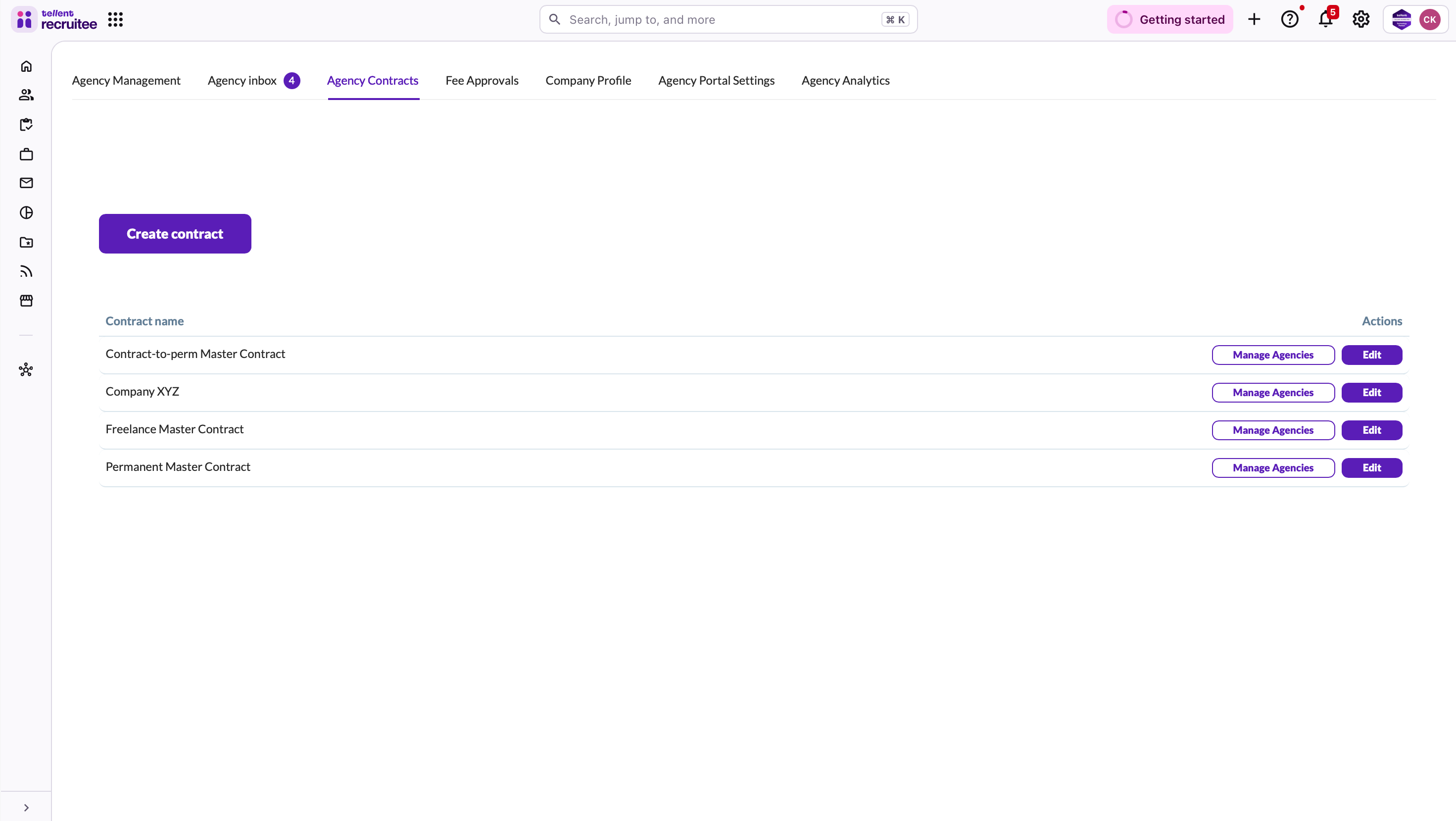
Select the contract you would like to edit.
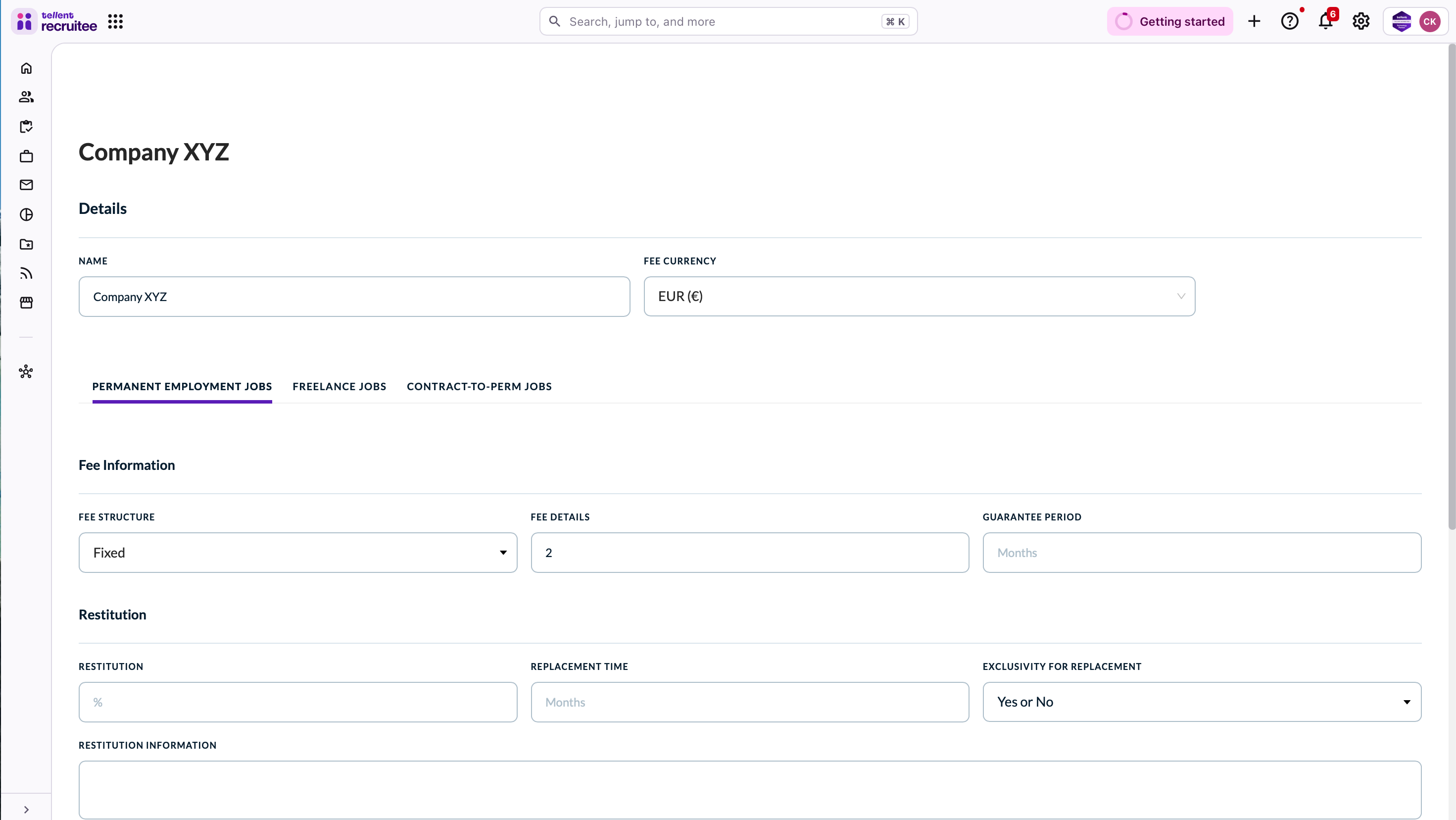
Select for which employment type you would like to make changes (permanent, freelance of contract-to-perm).
Modify desired sections, for example:
Payment terms
Exclusivity terms if applicable
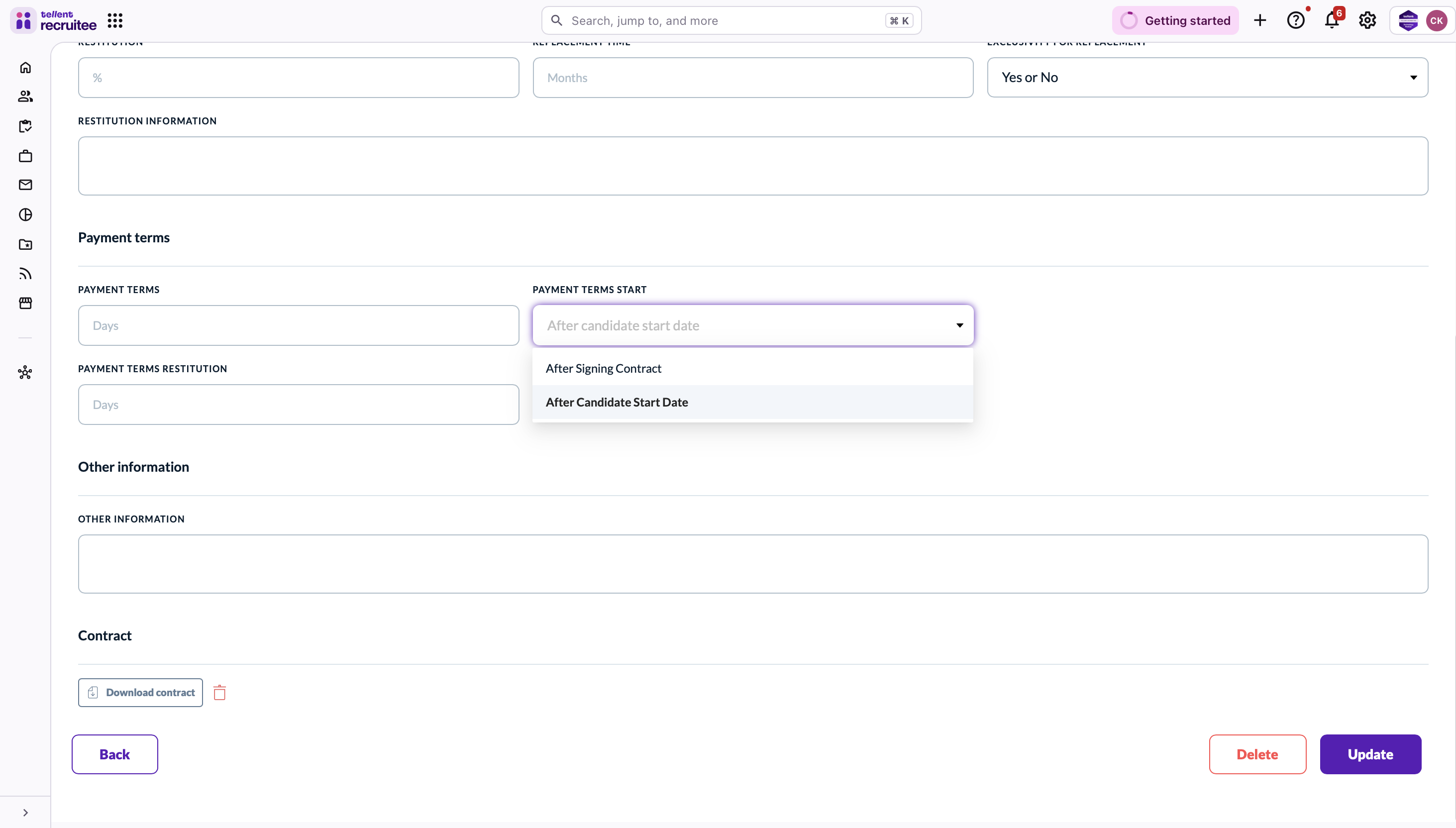
Click update to save changes
Need help? Contact Recruitee support.